Built for High-Stakes, Keyboard-First Office Work
Live deliverables still depend on too much manual processes
Invoke gives finance teams a faster, safer way to execute repetitive Excel and PowerPoint workflows without relying on error-prone manual menu clicks, cleanup, and workarounds.
Why Now
Live deliverables still depend on too much manual processes
The problem is not just that Office work is repetitive. It is that repetitive workflows keep sitting inside error-prone high-stakes deliverables where speed, consistency, and recoverability matter.
Small mistakes compound quickly
Broken links, hardcodes, inconsistent outputs, and stale file versions create avoidable risk in live deal and client workflows.
Manual cleanup before sending
Teams still spend too much time doing last-minute workbook cleanup, PDF exports, versioning, and formatting checks by hand.
Too much menu-hunting and context switching
Even experienced users lose time bouncing through ribbons, dialogs, and folder actions for tasks they repeat every day.
Pressure makes process quality harder
When deadlines tighten, the mechanical parts of the workflow are exactly where avoidable errors and missed steps start showing up.
Credibility
Built for the realities of finance workflows
Invoke is designed around the pressure points that show up when teams are turning comments, finalizing materials, and pushing live deliverables under time pressure. Its keyboard-first design fits naturally into the shortcut-heavy habits already common across finance teams.
Built around real Office bottlenecks
Invoke focuses on the repetitive, error-prone work that piles up in live Excel, PowerPoint, and deal-folder workflows.
Made for high-stakes deliverables
The product is designed for environments where formatting mistakes, broken links, and process friction can create real downstream costs.
Structured for team adoption
Invoke is meant to support shared conventions, repeatable workflows, and firm-specific ways of working rather than just individual hacks.
How the Workflow Changes
The keyboard-native approach fits directly into existing habits instead of asking teams to work in a new way.
Open Invoke in Context
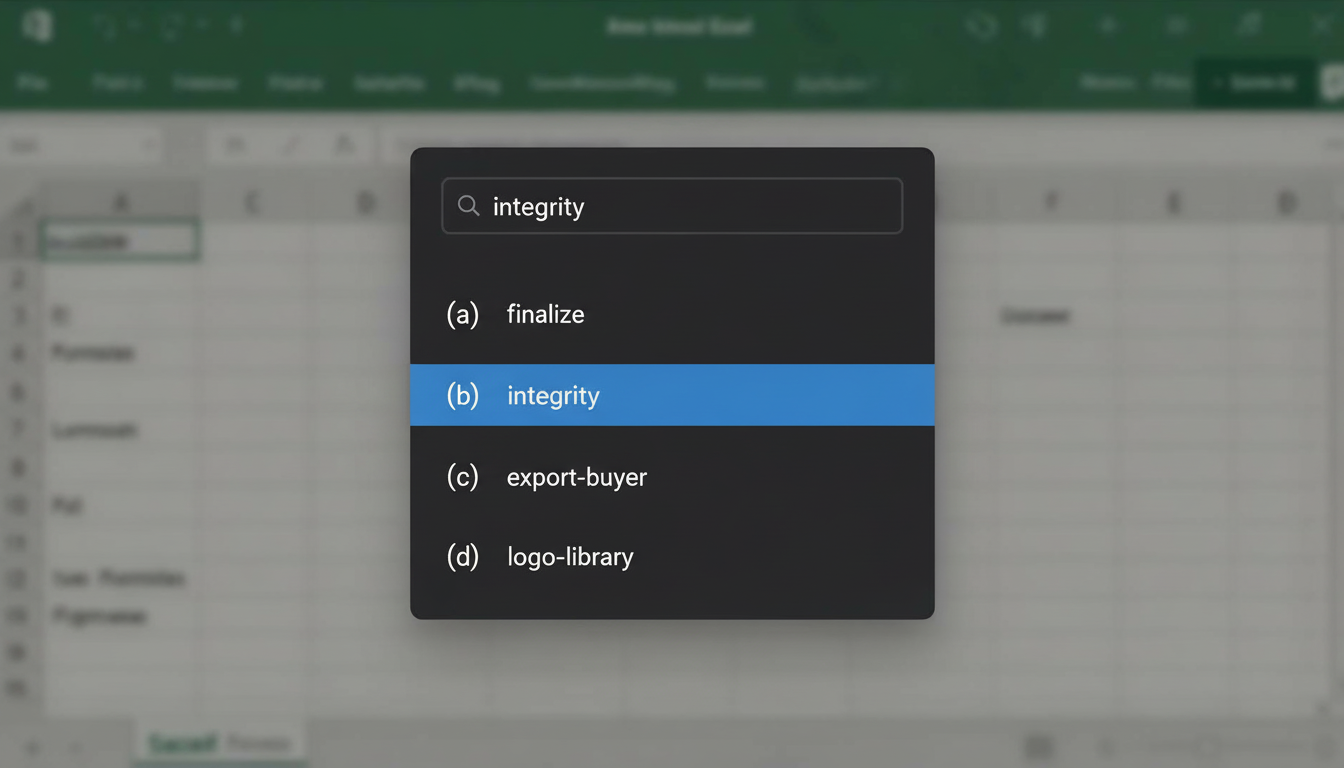
Press a single shortcut over your current Excel, PowerPoint, or file workflow
Find the Next Step Fast
Start typing and immediately surface the command that matches the task in front of you
Execute With Less Friction
Run common workflow actions in seconds instead of hunting through ribbons and dialogs
What Changes
Better outcomes for both junior and senior teams
Analysts and associates get less repetitive work. Senior team members get more consistent outputs, fewer avoidable mistakes, and a cleaner operating rhythm across the team.
Move faster on repetitive work
Reduce the time spent on recurring cleanup, exports, navigation, and file-handling tasks that do not deserve repeated manual effort.
Improve output consistency
Make common workflows easier to execute the same way across people, files, and deadlines.
Cut avoidable errors
Support safer execution with commands built around checks, undo paths, and repeatable process steps.
Shift attention back to judgment
Free up more time for analysis, review, and client-facing work instead of menu clicks and process overhead.
Workflow Coverage
Where Invoke Fits In The Workflow
Invoke spans the workflow surfaces finance teams touch every day, then goes deeper on the dedicated features page.
Workbook execution
Excel
For high-frequency workbook work where speed, consistency, and accuracy matter most.
Presentation output
PowerPoint
For presentation tasks that need to be quick to run and easy to repeat under deadline pressure.
File workflow
File Explorer
For the workflow around versioning, exports, and standardized deal-folder setup.
Cross-provider controls
Global
For controls that stay available across contexts and make automation safer and easier to trust.
Workflow Safety
Automation with guardrails built in
Invoke is built for workflows where mistakes are expensive. Undo, restore paths, and local-first execution help keep repetitive work fast without making it feel risky.
Undoable workflows
Invoke captures state before destructive actions so you can roll back with `/undo` when something needs to be reversed.
Backup and restore protection
Automatic file-level backups give you a recovery path for high-stakes workflows, including restore after a bad action or crash.
Processing stays on-device
Command execution, automation, and document handling run locally on the machine instead of sending working files to a third-party.
No 3rd-party document sharing
Working files are not shared elsewhere as part of normal command execution. Optional account and sync features are separate from your work.
Request Early Access
Invoke is currently in early development. Request access if you're interested in testing it or learning more.
FAQ
Common Questions
A few quick answers to the things people usually want to know before trying Invoke.